Authentication Manager 8.x Risk Based Authentication (RBA) logon via the RSA Authentication Agent for Citrix StoreFront gives error: Please logon again or close your browser and retry
Originally Published: 2016-10-12
Last Modified: 2022-06-20
Article Number
Applies To
RSA Product/Service Type: Authentication Agent for Citrix
RSA Version/Condition: 1.0
Issue
An error occurred while processing your request.
Please logon again or close your browser and retry
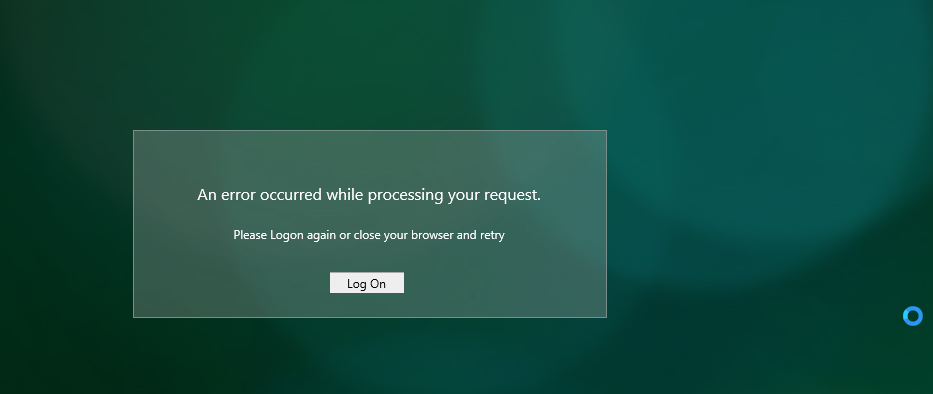
Please logon again or close your browser and retry
Internet Explorer debug shows the following messages:
The attached page targets document mode 7. Some console APIs and features may not be available.
DOM7011: The code on this page disabled back and forward caching.
HTML1203: <Domain> has been configured to run in Compatibility View through Group RSAAuthMgrRbaHelper
DOM7011: The code on this page disabled back and forward caching.
HTML1203: <Domain> has been configured to run in Compatibility View through Group RSAAuthMgrRbaHelper
Cause
Resolution
Either disable compatibility mode, for this site or all sites, or try to sign into a different account that doesn't have the policy applied that adds *.<domain> to Compatibility View and RSA/RBA/StoreFront DFA all functioned normally.



